
ai-writers
Best AI for Business Writing - Top Picks for Professionals
Expert-ranked best AI tools for business writing in 2026. Compare features, pricing, security, and team collaboration for proposals, reports, emails, and more.
Honest, hands-on reviews and head-to-head comparisons of the leading AI writing tools, grammar checkers, and proofreaders - tested by experienced writers so you can make an informed choice.
With dozens of AI writing tools competing for your attention - each claiming to be the best at grammar checking, content generation, or style improvement - choosing the right one can feel overwhelming. Most review sites regurgitate feature lists without testing the tools against real writing tasks, leaving you to guess which product actually delivers on its promises.
Our reviews are expert-written and based on hands-on testing across multiple writing scenarios including academic essays, business emails, blog posts, creative fiction, and technical documentation. We evaluate accuracy, ease of use, integration options, pricing transparency, and the actual quality of suggestions rather than just counting features on a checklist.
What you will find: In-depth reviews of tools like Grammarly, ProWritingAid, Jasper AI, Hemingway Editor, LanguageTool, QuillBot, and more - plus direct head-to-head comparisons that help you understand exactly where each tool excels and where it falls short, written by writers who use these tools daily.
Grammar checkers reviewed and compared for accuracy and value
5 articlesAI writers reviewed: writing assistants for business and content
4 articlesHead-to-head comparisons of popular writing tools
4 articlesCurated lists of the best writing tools for every use case
2 articlesBest free grammar checkers, proofreaders, and writing tools
2 articles Expert-ranked best AI tools for business writing in 2026. Compare features, pricing, security, and team collaboration for proposals, reports, emails, and more.
Detailed Copy.ai review for 2026 covering workflows, pricing, free plan limits, output quality, and whether it delivers real value for business teams.

Honest Jasper AI review for 2026 covering features, pricing tiers, output quality, limitations, and how it compares to alternatives. Expert analysis inside.
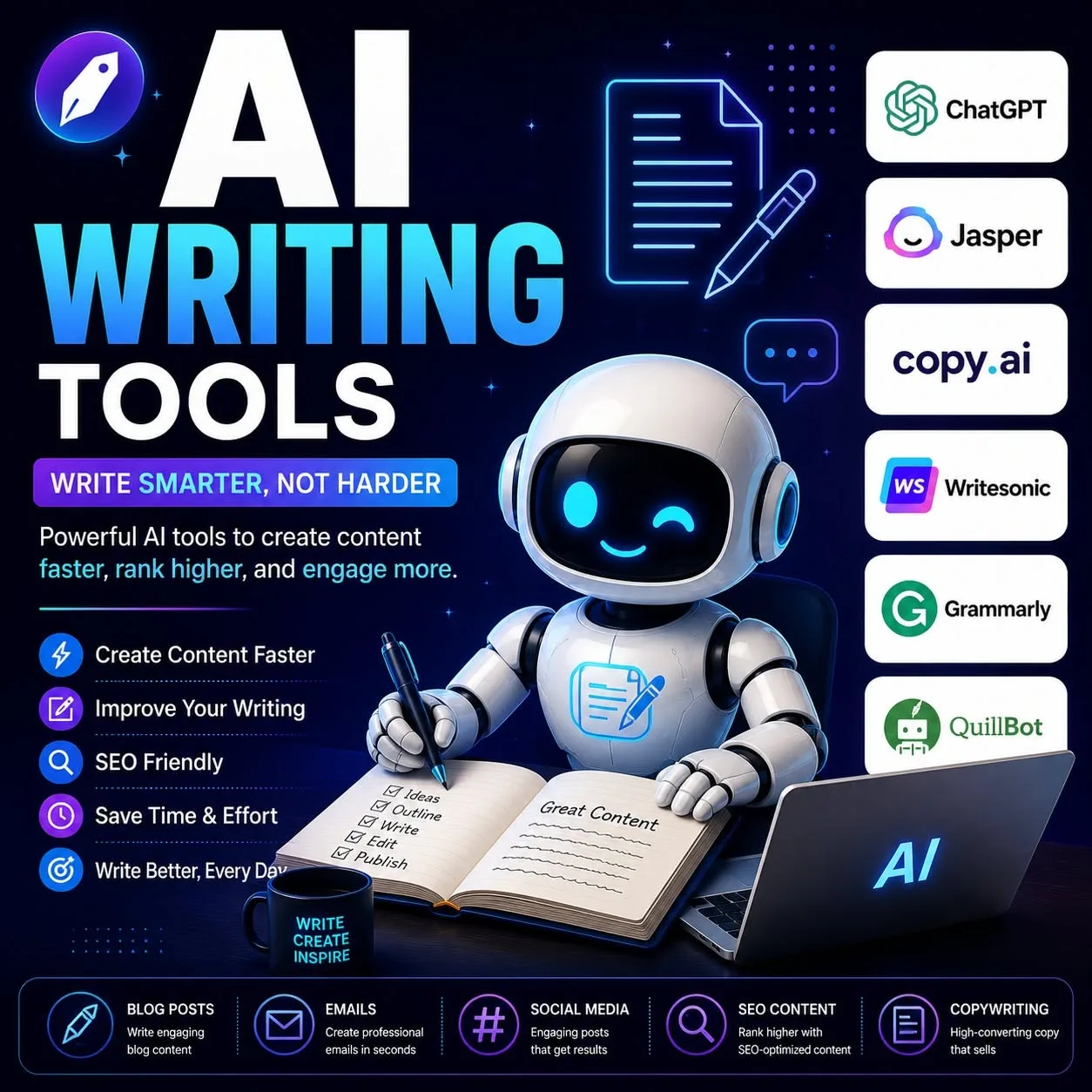
Top 10 AI email writing tools ranked for 2026. Compare features, pricing, Gmail and Outlook integration, and privacy for the best AI email assistants.
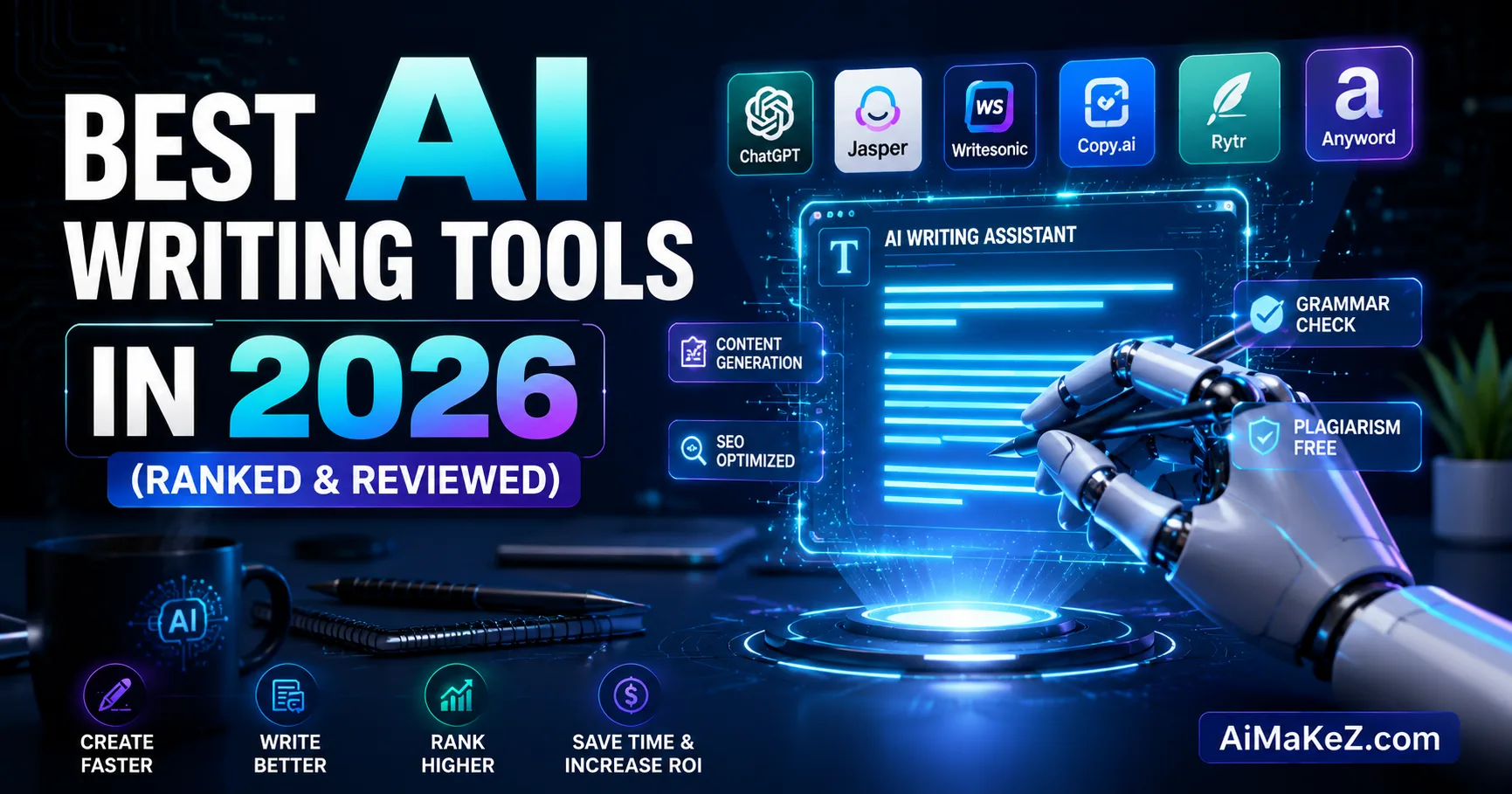
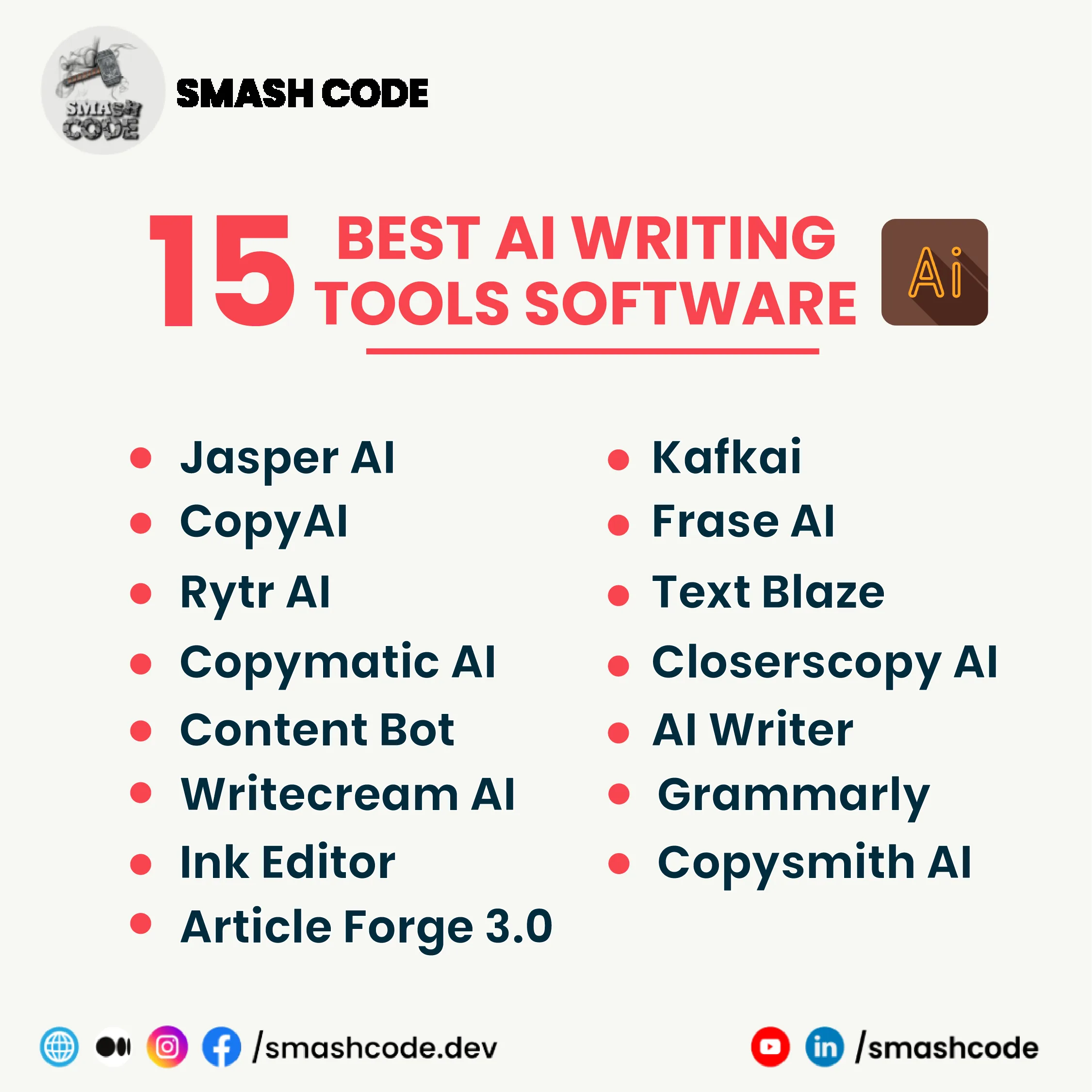
Expert-ranked list of the best AI writing tools in 2026. Compare features, pricing, and use cases for Grammarly, Jasper, Claude, ChatGPT, and more.
ChatGPT prompts that produce professional writing with voice, not template. Memo prompts, editing prompts, research prompts, and the structures that avoid generic output.
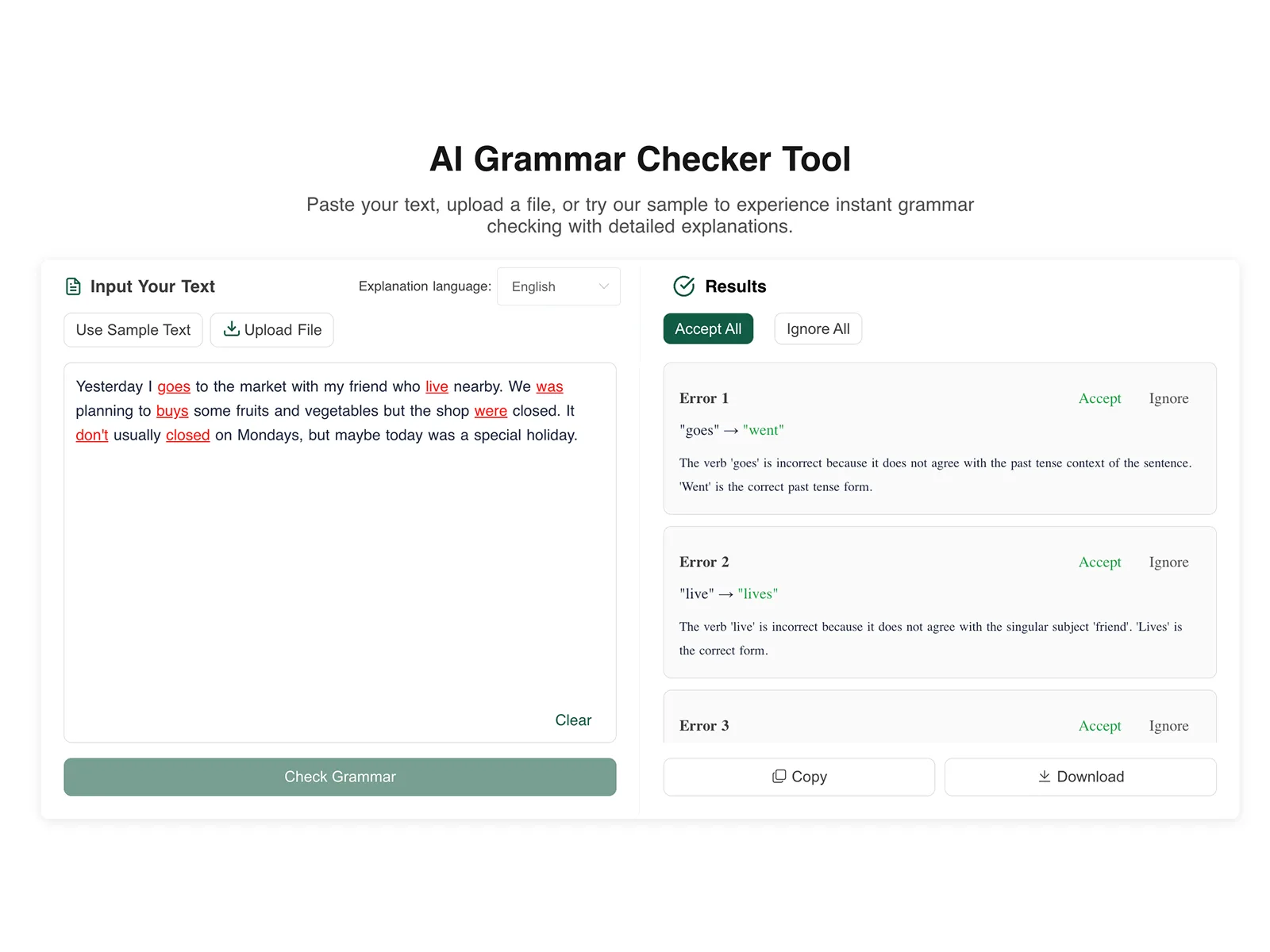
In-depth comparison of Grammarly, Hemingway Editor, ProWritingAid, and LanguageTool with test results on accuracy, false positives, pricing, privacy, and multilingual support.
Expert-ranked list of the best free grammar tools in 2026. Compare LanguageTool, Grammarly Free, Hemingway, and 7 more with accuracy tests and feature breakdowns.
Top writing tools for ESL and non-native English speakers in 2026. Compare grammar checkers, translation aids, and learning tools with honest pros and cons.
We tested 10 AI proofreading tools for accuracy across spelling, grammar, style, and tone errors. See which proofreader catches the most mistakes in 2026.
Compare the 10 best grammar checkers of 2026 with honest reviews of free and paid options. Grammarly, ProWritingAid, LanguageTool, and more ranked by accuracy.

Detailed comparison of Grammarly Free vs Premium in 2026. See exactly which features are locked behind the paywall and whether upgrading is worth it for you.
Honest Grammarly review for 2026. We test Free vs Premium vs Business plans, accuracy, integrations, and whether the premium upgrade is worth the cost.
Honest review of Hemingway Editor in 2026. What it does well, what it misses, pricing, desktop vs web, and whether it belongs in your writing toolkit.

Honest comparison of ChatGPT vs Claude for writing tasks. Side-by-side analysis of accuracy, creativity, tone, pricing, and which AI is best for your needs.
Grammarly vs ProWritingAid compared honestly. Side-by-side analysis of pricing, features, accuracy, and which tool is best for your specific writing needs.
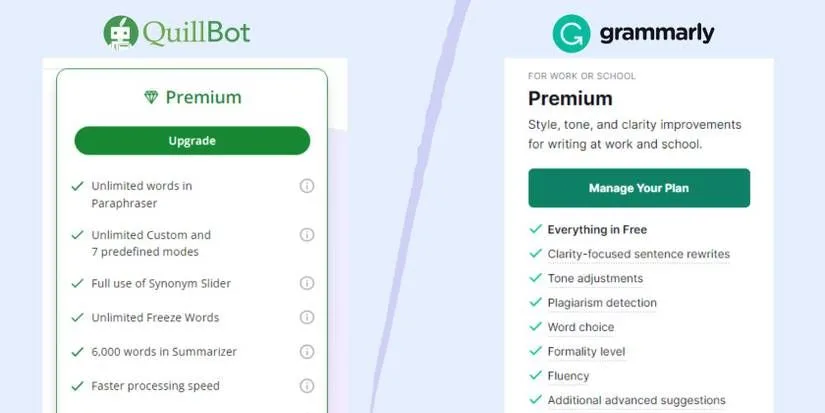
Grammarly vs QuillBot compared for 2026. See how grammar checking stacks up against paraphrasing, with pricing, features, and which tool suits your needs.
The best AI writing tool in 2026 depends on your specific needs, but several stand out across different categories. For general-purpose writing assistance that covers grammar, style, tone, and clarity, Grammarly remains the most polished and widely adopted option with its deep integration across browsers, email clients, and document editors.
For long-form content creation where you need help generating drafts, outlines, and rewrites, Jasper AI and Copy.ai have matured significantly, offering templates and workflows tailored to marketing copy, blog posts, and product descriptions. ProWritingAid is the strongest choice for authors and academic writers who want detailed reports on sentence structure, readability, pacing, and overused words - it goes deeper into stylistic analysis than most competitors.
For developers and technical writers, GitHub Copilot and specialized coding assistants have expanded into documentation generation. The key factors to evaluate are accuracy of suggestions, integration with your existing workflow, privacy and data handling policies, language support beyond English, and whether the free tier meets your needs or the premium pricing delivers enough additional value.
No single tool dominates every use case, which is why we test and compare each one against real writing tasks rather than relying on marketing claims. Your best choice will ultimately depend on whether you prioritize grammar correction, content generation, style improvement, or a combination of all three.
Grammarly Premium is worth the investment for many writers, but not for everyone - it depends on how much you write and what kind of feedback you need. The free version of Grammarly catches basic spelling, grammar, and punctuation errors effectively, and for casual writers who only need occasional proofreading, it may be sufficient.
The Premium tier adds clarity-focused suggestions, tone detection, word choice improvements, plagiarism detection, and full-sentence rewrites that genuinely improve writing quality beyond surface-level corrections. In our testing, Premium catches roughly 40 to 60 percent more issues than the free tier, with the most significant improvements appearing in academic, business, and marketing writing where tone and conciseness matter.
The annual plan typically costs between 12 and 15 dollars per month when billed yearly, which is reasonable for professionals who write daily - freelance writers, marketers, students submitting papers, and business professionals drafting client communications. Where Grammarly Premium falls short is in creative writing, where its suggestions can flatten your voice and push toward generic phrasing, and in highly technical fields where it may flag correct domain-specific terminology as errors.
The Business tier adds team analytics, style guides, and admin controls but is primarily valuable for organizations managing multiple writers. Before committing, use the free tier for at least a month to see how often you accept its basic suggestions - if you find yourself wanting more detailed feedback on clarity and engagement, the Premium upgrade will likely pay for itself in time saved on self-editing.
Grammarly and ProWritingAid are the two most popular writing assistants, but they serve different audiences and take fundamentally different approaches. Grammarly excels at real-time, inline corrections with a clean interface that works seamlessly across browsers, desktop apps, and mobile keyboards - it prioritizes speed and accessibility, making suggestions as you type with minimal friction.
ProWritingAid, by contrast, is built around comprehensive writing reports that analyze your entire document for patterns like overused words, sentence length variation, readability scores, sticky sentences, passive voice percentage, and pacing issues. This makes ProWritingAid significantly more useful for long-form writers, novelists, and academics who want to improve their overall writing habits rather than just fix individual errors.
In terms of grammar checking accuracy, both tools perform comparably on standard errors, though Grammarly tends to be slightly more aggressive with suggestions while ProWritingAid is more conservative and context-aware. Pricing differs substantially - ProWritingAid offers a one-time lifetime purchase option that makes it far more economical over time, while Grammarly operates exclusively on a subscription model.
Integration is another differentiator: Grammarly has broader native integrations with platforms like Google Docs, Microsoft Office, and email clients, while ProWritingAid integrates deeply with writing-specific tools like Scrivener. For fiction writers and those focused on craft improvement, ProWritingAid is generally the better choice.
For business professionals and casual writers who want quick, reliable corrections without diving into detailed reports, Grammarly delivers a smoother experience. Many serious writers ultimately use both tools at different stages of their editing process.
AI writing tools cannot replace skilled human writers, but they are fundamentally changing how writing gets done. Current AI tools excel at generating first drafts, summarizing information, rephrasing sentences, and producing formulaic content like product descriptions, basic news summaries, and templated business communications.
They save significant time on routine writing tasks and can help overcome writer's block by providing starting points that a human can then refine and improve. However, AI-generated content consistently falls short in several critical areas: original insight and analysis, emotional depth and authentic voice, nuanced argumentation that accounts for context and audience, humor and cultural sensitivity, and the ability to make unexpected creative connections that engage readers.
AI tools also struggle with factual accuracy - they can produce confident-sounding text that contains fabricated statistics, misattributed quotes, or outdated information, which means every piece of AI-generated content requires human fact-checking and verification. Search engines are increasingly sophisticated at identifying low-quality AI content and may penalize sites that publish it without substantial human editing and original value.
The most productive approach is to treat AI as a writing assistant rather than a replacement - use it to accelerate research, generate rough outlines, suggest alternative phrasings, and handle repetitive content tasks, while reserving the strategic thinking, voice development, fact verification, and final editing for human writers.
Professional writers who learn to work effectively with AI tools will be more productive than either humans or AI working alone, but the human element remains essential for producing content that genuinely connects with readers and delivers lasting value.
The best free grammar checker depends on what you are writing and where you are writing it, but several options deliver strong results without requiring payment. Grammarly's free tier is the most widely used and catches the majority of common grammar, spelling, and punctuation errors with an intuitive interface that works as a browser extension, desktop app, and mobile keyboard.
It handles basic correctness well but reserves its clarity, tone, and engagement suggestions for Premium subscribers. LanguageTool is an excellent open-source alternative that supports over 30 languages - a significant advantage for multilingual writers - and its free tier is more generous with stylistic suggestions than Grammarly's free version.
The browser extension and LibreOffice integration make it accessible across platforms without cost. Microsoft Editor, built into Microsoft 365 and available as a free browser extension, provides solid grammar and spelling checks with the advantage of deep integration into Word and Outlook for users already in the Microsoft ecosystem.
For academic writers, Hemingway Editor's web app is free and focuses specifically on readability, highlighting complex sentences, passive voice, and adverb overuse with a simple color-coded interface - though it does not check grammar in the traditional sense. Google Docs has improved its built-in grammar checking substantially and now catches many errors that previously required a third-party tool.
The honest reality is that no free grammar checker catches everything, and each tool has blind spots. For the most thorough free checking, run your text through two different tools - for example, Grammarly's free tier for grammar basics followed by LanguageTool for style suggestions - to catch what one tool misses.
If you find yourself consistently needing more advanced features, that is the signal to evaluate whether a paid tool would be worth the investment for your specific writing needs.